
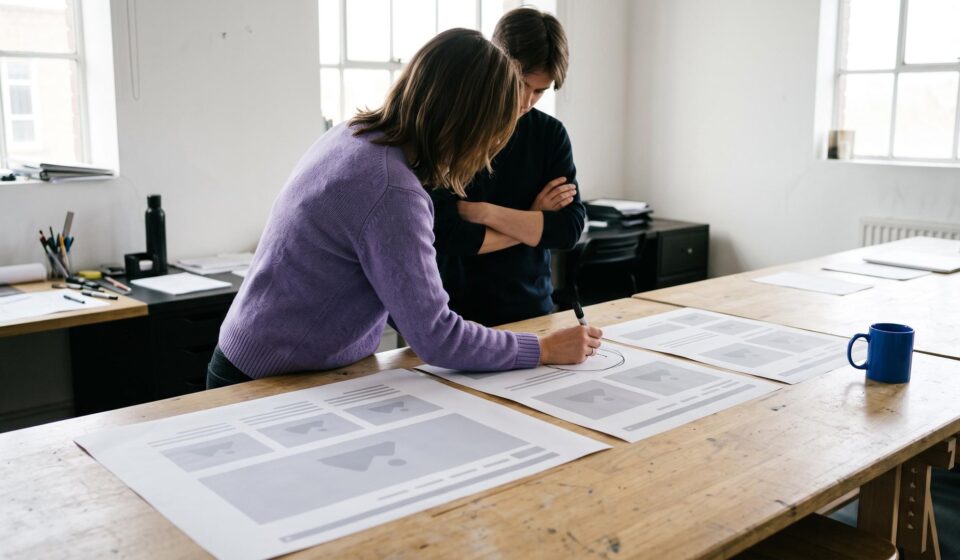

Image generated with AI. Art direction: Grafica.
This month, AI agents rebuilt the front page of this blog from a written brief. An AI-built website can be fast to make and still miss things only a person notices, so I reviewed it before calling it done. It did not pass.
What the review found
On 10 October 2026 I wrote down what I saw. Some of it, in my own words:
- «The title feels disconnected from the image and the excerpt; plus, at certain screen sizes, neither the title nor the description is visible—only the image.»
- «In the 1024px to 601px range, there is no side margin on the hero section, the image retains its rounded corners, and the title is almost touching the left edge of the screen.»
- «The blog link in the navigation should open on the same page.»
The same note began with what worked: «I like the direction the blog is taking, especially the navigation and the footer.»
Why a brief does not catch this
Those findings came from looking at the page, not from a test failing. A test answers only the question it was written to ask; «does the title still belong to its picture at 768 pixels wide?» is a question a person asks by looking.
That is the point of our case study of a site whose first build took one day with AI tools: AI is the race car, and your website still needs a driver.
What changed, read on 12 October
The review became the agents’ next brief, and the changes went live on 10 October. On 12 October 2026 we read the front page from outside, signed out, at seven widths from 320 to 1440 pixels:
- At 601, 768 and 1024 pixels, the picture sits 13 pixels in from each side of the screen, and the title starts 41 pixels from the left edge.
- At 600, 375 and 320 pixels, the picture runs edge to edge and the title sits 16 pixels in.
- At all seven widths, the title and the description were inside the picture, and the page did not scroll sideways.
- The «Blog» link in the menu opens in the same tab.
Five checks to run on a page before it goes live
- Open it at 1440, 1024, 768 and 375 pixels wide. In Chrome, the device toolbar in the developer tools sets any width. Reload after each change.
- At each width, read the main title together with its picture. If they look like two things placed near each other, a visitor sees that too.
- Look at the left and right edges. Text that nearly touches the edge of the screen reads as a mistake, even when nothing is broken.
- Click every item in the main menu. Each should do what a visitor expects; on your own site, that usually means opening in the same tab.
- Write what you see in plain words before you ask for a fix. A clear note works as a brief; a vague one costs another round.
Deciding what is wrong with a page is where experience goes. The agents are fast at the fix once someone has said it. If you want that review on a page of yours before it goes live, talk to us.
Gráfica built this survey as a WordPress plugin, and builds plugins like it for clients. Tell us what your site needs